


The video production industry is entering an AI-powered era. What once took hours of manual editing now takes minutes with the rise of AI Video Editors. These tools combine automation, predictive scene detection, and generative AI to streamline everything from cutting and captioning to lighting and sound balance. In 2026, Top AI Video Editors 2026 like CapCut, Descript, and DaVinci Resolve are redefining professional workflows.
According to Gudsho, “63% of businesses say AI video tools cut production costs by 58% compared to traditional methods.” Editors are using algorithms that recognize pacing, emotion, and context, helping creators produce visually engaging content faster. As brands embrace video editing automation tools, the line between human editing and AI precision continues to blur. Yet, the human touch remains irreplaceable—AI assists, not replaces. In this article, we’re spotlighting the 6 best AI video editors in 2026—tools designed to streamline tasks like vocal isolation, motion tracking, and viral-ready formatting, while still giving you full creative control.
1. CapCut
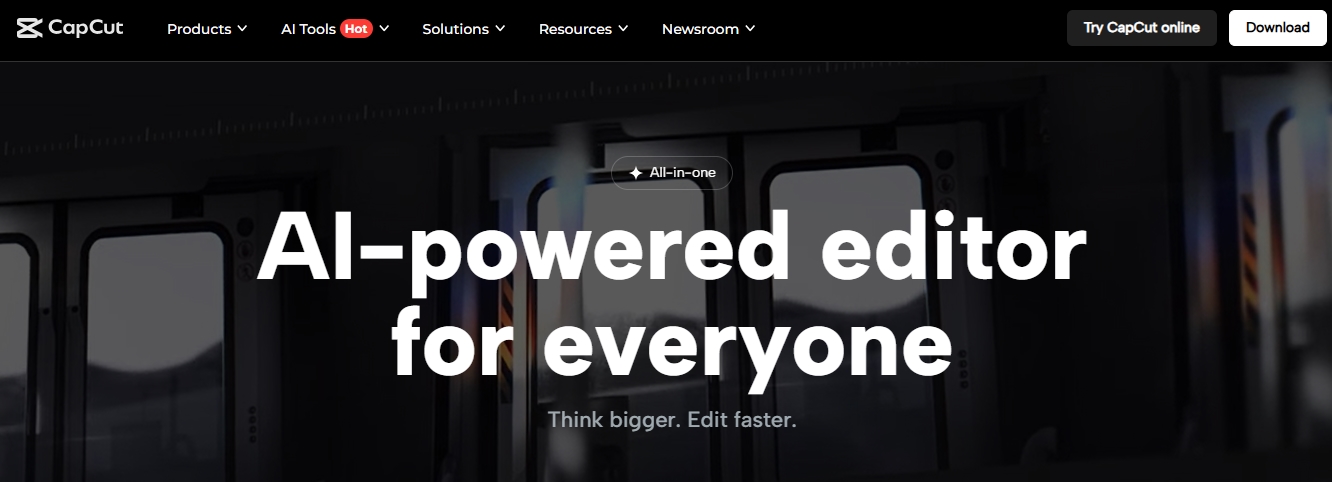
Website: capcut.com
Best for: Flexible, fuss-free editing across mobile, desktop, and web
No discussion of AI Video Editors is complete without CapCut, TikTok’s official video editing platform. Loved for its simplicity and packed feature set, CapCut bridges accessibility and performance, making it ideal for both casual creators and professionals.
Key Features
- Isolate Voice: Separate vocals from background music to extract the perfect sound balance.
- Noise Removal & Audio Enhancement: Cleans background noise automatically for crisp sound quality.
- Cross-Platform Editing: Syncs projects seamlessly across devices for smooth workflows.
CapCut’s Isolate Voice feature gives editors the power to separate vocal and instrumental tracks with impressive precision—perfect for remixes, interviews, and social content. However, users should avoid unlicensed tracks due to copyright concerns. Thankfully, CapCut includes a wide range of royalty-free music options, allowing safe and creative experimentation.
As one of the best AI video editing software 2026, CapCut delivers strong automation, clean user experience, and excellent cross-device functionality—all within a highly affordable plan.
Price:
Free plan available. Pro starts at $5.99/month (mobile only) or $19.99/month (desktop, web, and mobile). Team plan: $24.99 per person/month.
Connect with the Best AI Video Editors for Your Brand
AWISEE helps companies find, compare, and integrate the most advanced AI video editing platforms for their creative and marketing workflows.
2. Descript
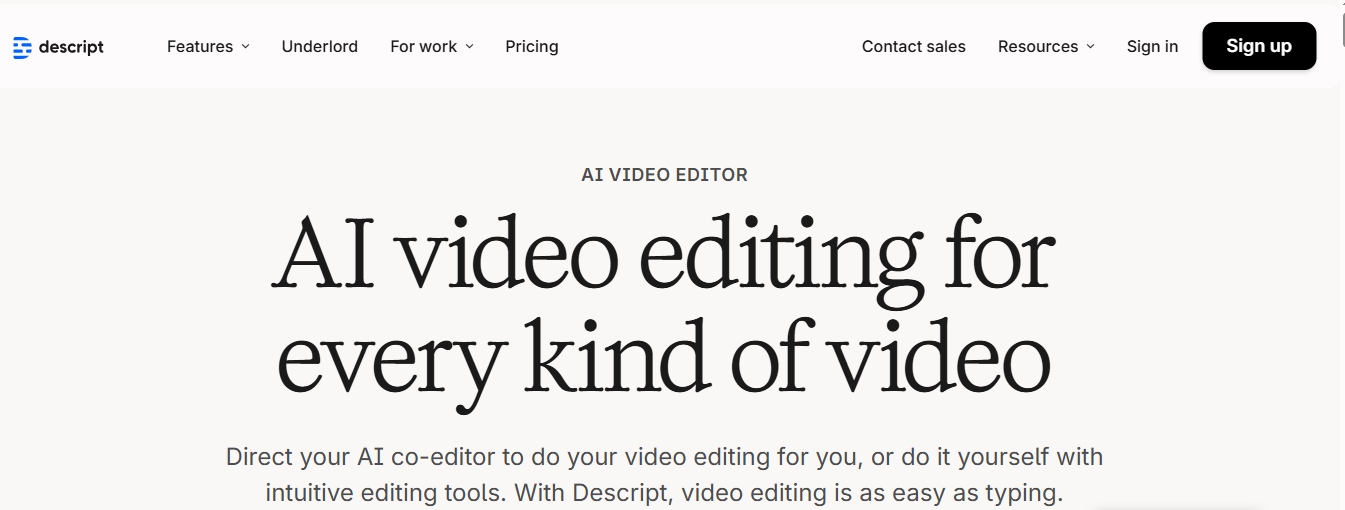
Website: descript.com
Best for: Podcasts, interviews, and dialogue-heavy projects
Among modern AI Video Editors, Descript redefines how creators approach editing. It lets users edit videos as easily as text, turning the transcript into your main editing interface. Perfect for educators, podcasters, and journalists, it’s built around dialogue rather than visual scenes.
Key Features
- Script-Based Editing: Remove text in the transcript to cut it from the video automatically.
- Remove Retakes: AI scans your footage and keeps only your best delivery.
- Automatic Multicam: Smartly switches angles during multi-camera shoots.
- Underlord (AI Co-Editor): Descript’s built-in AI assistant that guides and edits collaboratively.
The Remove Retakes tool is one of the best video editing automation tools available, analyzing multiple takes and automatically trimming weaker versions. The AI agent Underlord offers intelligent suggestions, applies instant changes, and explains how to improve clarity and flow.
For creators producing podcasts, interviews, or webinars, Descript is an unmatched option among AI Video Editors—streamlined, intuitive, and designed to save hours in post-production.
Price:
Free plan available. Paid plans start at $24/month (individual) and $35/person/month for teams.
3. Opus Clip

Website: opus.pro
Best for: Turning long-form videos into short, viral-ready clips
If you’re repurposing long-form content for social media, Opus Clip stands out as one of the Top AI Video Editors for Creators. It automatically identifies the most engaging segments in your footage and transforms them into concise, shareable clips.
Key Features
- Automatic Clip Generation: AI extracts your video’s most engaging moments.
- Customizable Captions: Creates platform-optimized captions with adjustable styles.
- Viral Score System: Ranks clips based on potential social performance (A–F).
- Auto-Censor Tool: Mutes or flags explicit language automatically.
In testing, Opus Clip generated six polished, 30-second clips from a six-minute YouTube video—each complete with captions, transitions, and a Viral Score. The score system helps creators improve hooks and pacing, optimizing for TikTok, Reels, and Shorts performance.
As one of the fastest-growing AI video post-production tools, Opus Clip streamlines multi-platform content creation. It’s ideal for marketing teams and solo creators who want smart automation without losing creative control.
Price:
Free trial available. Plans start at $15/month (individual) and $29/person/month for teams.
4. DaVinci Resolve

Website: blackmagicdesign.com
Best for: Advanced projects that need full creative control
Among all AI Video Editors, DaVinci Resolve remains the choice for professionals who want total precision and cinematic output. Known for its advanced grading and audio capabilities, its AI-powered video editing automation tools—Music Remixer and Relight—have taken post-production to the next level.
Key Features
- Music Remixer: Separate or adjust vocals, bass, guitar, and drums with precision.
- Relight: Rebuild lighting in post-production by adding or repositioning virtual lights.
- Comprehensive Suite: Integrates color, audio, and VFX editing in one workspace.
- Free Version: Powerful enough for indie editors and professionals alike.
The Music Remixer feature allows users to create customized soundscapes by isolating elements within a track, while Relight adds virtual lighting to modify mood and tone—no reshoots required. For editors managing advanced creative projects, this AI video editing software review highlights why DaVinci Resolve stands apart: total control and uncompromising detail.
Price:
Free version available. DaVinci Resolve Studio: One-time payment of $295.
5. Final Cut Pro

Website: apple.com/final-cut-pro/
Best for: High-end visual effects and 4K+ video projects
Final Cut Pro continues to define high-end editing for Mac creators. In 2026, it integrates cutting-edge AI Video Editors features, with Magnetic Mask leading the charge in automated object tracking and motion-based masking.
Key Features
- Magnetic Mask: Automatically isolates moving subjects from dynamic backgrounds.
- Cinematic Transitions: Creates realistic blended sequences.
- Optimized for macOS: Ensures seamless performance on Apple silicon chips.
The Magnetic Mask tool enables editors to perform complex compositing effortlessly—keeping subjects in color while turning backgrounds black and white or even creating seamless transitions across continents in one shot. Once requiring frame-by-frame work, this process now takes seconds with AI video post-production tools like Final Cut Pro.
Price:
$299.99 one-time purchase, with a free trial available.
6. Wondershare Filmora

Website: filmora.wondershare.com/
Best for: Creators who want professional quality without complexity
Wondershare Filmora stands out for its balance between simplicity and sophistication. Its smart AI video editing tools—such as Beat Detection, Motion Tracking, and Auto Synchronization—help creators achieve rhythmically sharp and visually engaging results.
Key Features
- Beat Detection: Syncs cuts automatically to the rhythm of your soundtrack.
- Motion Tracking: Follows moving objects to anchor effects or text.
- Auto Synchronization: Perfectly aligns external audio with video footage.
- Multi-Platform Support: Works on Mac, Windows, iOS, and Android.
Filmora’s Beat Detection is a favorite among social video editors, while Motion Tracking gives life to moving graphics. With Auto Synchronization, editors can record audio separately and still achieve perfect sync. The platform’s simplicity hides its depth—making it one of the Top AI Video Editors for Creators in 2026.
Price:
Free plan (no AI tools). Paid AI plans: $79.99/year (Mac, iOS) or $59.99/year (Windows, Android). Team plan: $155.88/person/year.
Common Limitations of AI Video Editing Software
While AI Video Editors have transformed modern workflows, they still have certain constraints that creators should consider. These tools rely heavily on algorithms that may misinterpret context or creative intent.
Key Limitations Include:
- Limited Artistic Judgment: AI can mimic rhythm and emotion, but not creativity.
- Hardware Dependence: Some AI video post-production tools require high computing power.
- Restricted Free Plans: Free versions often lock premium AI functions.
- Over-Automation: Too much reliance on automation can lead to generic results.
Despite these challenges, AI continues to evolve rapidly, narrowing the gap between machine efficiency and human artistry. In most cases, the trade-off between speed and creative nuance still favors hybrid workflows.
AI Video Editing vs Traditional Editing: A Comparison
AI Video Editors have disrupted conventional editing practices by introducing automation, precision, and predictive analytics into the post-production process.
Key Differences Include:
- Speed: AI handles repetitive tasks in seconds, cutting total editing time by up to 70%.
- Automation: Traditional editors depend on manual trimming; AI uses scene detection and tagging.
- Scalability: AI video editing tools can produce multiple format versions simultaneously.
- Creativity: Traditional editing allows finer artistic judgment, especially for storytelling tone.
In 2026, hybrid editing is becoming the new norm—creators rely on AI for efficiency while retaining full control over storytelling and emotional delivery.
Top Trends in AI Video Editing for 2026 and Beyond
Tripleareview noted that by 2025, around 40% of video editors are expected to utilize AI-driven tools to automate tasks such as color grading and audio enhancement. As demand for faster content creation grows, new innovations in AI Video Editors are shaping the future of media.
Emerging Trends Include:
- Real-Time Co-Editing: Collaborative AI platforms that support simultaneous multi-user edits.
- Emotion-Aware Editing: AI tools detecting tone and adapting pacing automatically.
- Cross-Media Integration: Unified AI video editing tools for video, audio, and animation.
- Automated Branding: Systems applying logos, color palettes, and layouts consistently across assets.
The future of AI video editing software 2026 points toward fully adaptive ecosystems where creativity meets real-time intelligence—turning editors into creative directors rather than technicians.
The Top 6 Best AI Video Editors in 2026
By adopting AI video editing tools, creators can now produce high-quality videos faster, ensuring that innovation doesn’t get bogged down by technical limitations. The result is a creative workflow that’s more dynamic, data-informed, and responsive to real-world engagement trends. In the rapidly evolving world of content creation, choosing the right tool can make all the difference. Below is our curated list of the top 6 best AI video editors in 2026, each selected for its unique balance of automation and creative control.
| AI Video Editor | Best For | Key AI Features | Pricing |
| CapCut | Cross-platform creators | Isolate Voice, Noise Removal, Audio Enhancer | Free; Pro from $5.99/month |
| Descript | Podcasts & interviews | Script Editing, Remove Retakes, Underlord AI | Free; Pro from $24/month |
| Opus Clip | Social content & repurposing | Viral Score, Auto-Captioning, Auto-Censor | Free trial; from $15/month |
| DaVinci Resolve | Professional filmmakers | Music Remixer, Relight, Full editing suite | Free; Studio $295 one-time |
| Final Cut Pro | Mac-based editors | Magnetic Mask, Cinematic Transitions | $299.99 one-time |
| Wondershare Filmora | Everyday creators | Beat Detection, Motion Tracking, Auto Sync | Free; AI plans from $59.99/year |
Transform Video Creation with Smart AI Editing Tools
AWISEE acts as your intermediary—matching your company with verified AI video editors that streamline production and maximize creative output.